Managing Hundreds of Listings on Vinted Without Losing Track
The operating system for a large Vinted catalogue: item codes, physical locations, listing states and the weekly routine that keeps them in sync.
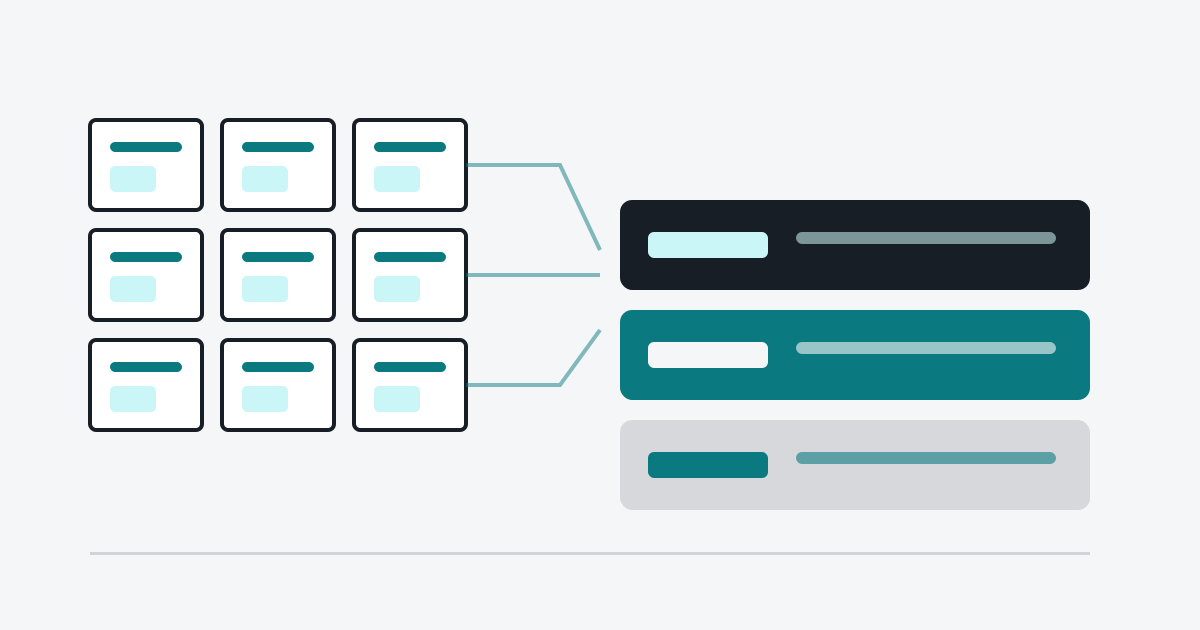
At twenty items you can keep everything in your head. At a hundred you cannot, and the failure is not dramatic — it is a slow leak. An item sells and you cannot find it. You relist something that is already gone. Two listings of the same jacket exist because you forgot you had listed it. Each of these costs money quietly.
This is the system that survives past a few hundred items. It has four parts: an identity for every item, a physical location, a state that is always current, and a routine that reconciles the two.
Give every item an identity
The core rule: one item, one code, from the moment it enters your inventory until it leaves.
What the code needs to contain
Nothing that changes. Not the price, not the title, not the category — those all change. A workable code is a sequence number plus a short brand or type fragment:
A-0142  →  wool coat, navy
B-0087  →  cotton shirt, white
A number alone is fine and less error-prone than something meaningful. What matters is that it is unique and that it is written on the item, not just in a spreadsheet.
Where the code lives
Three places, always:
- On the item — a small tag attached to the care label, written in permanent marker. Not a sticky note, which falls off; not the packaging, which you throw away.
- In the listing — in the SKU field if the platform has one, or in your own records keyed by listing URL
- In the inventory record — code, title, price, location, state, date listed
If those three ever disagree, the item is lost. Reconciling them is the routine described at the end.
Assign a physical location before you photograph
Every item needs a place it returns to. "Wherever it fits" works at ten items and collapses at fifty.
A location scheme that scales
Two levels is enough: a container and a slot.
- Container — box, shelf, rail, bin. Number them: B01, B02, S03.
- Slot — position inside the container. Not always needed, but useful for boxes you access often.
Write the container number on the outside of the box, and write the item code on the tag inside. The inventory record stores the container. Now "where is A-0142" has an answer that takes seconds.
Group by something stable. Category works better than brand, because category determines how an item is stored — hanging, folded, boxed flat. Brands scatter across storage types.
What not to optimise
Do not optimise for density. Optimising for density is how you end up with a box you have to empty to reach the item at the bottom. Optimise for retrieval time: if finding an item takes more than two minutes, the storage scheme is wrong regardless of how neatly it fits.
Keep a state that is always current
Every item is in exactly one state, and the state changes the moment reality changes:
- Sourced — in your possession, not yet photographed
- Listed — live on the platform
- Reserved — sold or held, awaiting shipment
- Shipped — sent, awaiting delivery confirmation
- Sold — complete
- Returned — back in inventory, needs relisting
The failure mode is always the same: the physical item moves and the record does not. A sale is packed and the record still says "Listed". Three weeks later you relist it.
The fix is not discipline alone — it is making the state change part of the action that causes it. You do not pack an item and then update a spreadsheet; packing and marking are one motion, done at the same desk.
The weekly reconciliation
Once a week, spend twenty minutes doing this and nothing else:
- Open the record of everything marked "Reserved" or "Shipped" — confirm each one actually left, and mark the ones that did as Sold
- Open everything marked "Listed" that has not had activity in sixty days — decide: relist, discount, or pull
- Spot-check five random items — find the physical item from its record, and the record from its physical item. Mismatches found now are cheap; mismatches found at sale time are not.
That is the entire maintenance burden. Twenty minutes a week prevents the class of problem that takes an afternoon to untangle.
Where volume actually breaks
Three things break first as a catalogue grows, in this order.
Relisting
Manual relisting does not scale. Fifty items, each needing a relist every two months, is a recurring afternoon of clicking. This is the task most worth automating: smart relisting applies a schedule and a discount rule to selected items, records the old and new price per item, and never touches an item below the minimum you set.
Photo-to-item mapping
Shooting a batch and listing later is efficient right up to the point where the mapping breaks. Either list immediately, or name files by item code so the mapping is mechanical rather than remembered.
Answering the same questions
"How long is it?" "Will you take 15 €?" "Does it have any marks?" At volume, these consume real hours. Message templates and AI-assisted replies answer the repeatable ones from the actual conversation context, which leaves you the ones that genuinely need you.
What to measure
Four numbers tell you whether the system is working:
- Retrieval time — how long to find a sold item. Target: under two minutes.
- Mismatch rate — items whose record disagrees with reality, found in the weekly spot check. Target: zero.
- Days to sale by category — rising numbers mean pricing or listing quality has drifted.
- Dead stock count — items listed over ninety days with no sale. This number should never grow unchecked.
Visted's inventory module tracks item state, location and price history in one record, and the CSV import lets you bring an existing spreadsheet in rather than rebuilding it by hand. If you are choosing a plan based on catalogue size, the pricing page lists the item limit for each tier.
The system is unglamorous: codes, boxes, states, twenty minutes a week. It is also the difference between a catalogue that grows and one that quietly rots.
Found this useful? Run the whole system
Visted automates relisting, inventory tracking and offer replies, so you can spend your time sourcing and photographing instead.
Keep reading
Browse all articles
From Hobby to Business: Scaling a Vinted Resale Operation
What actually changes when reselling stops being a side project: margins, time budgeting, sourcing discipline, pricing tiers and when to automate.

Photographing Clothes for Vinted Without a Studio
A practical lighting and framing setup for Vinted photos using a phone, a window and a plain wall — plus the mistakes that cost the most sales.

How to Price Secondhand Clothing on Vinted
A repeatable method for pricing used clothes on Vinted: cost basis, comparables, condition tiers, negotiation room and when to cut the price.